3 mistakes that ruin your TikTok Live stats
Ending the stream at the first dip, leaving the chat unanswered, setting interaction thresholds too high: three common habits that quietly sabotage your TikTok Live stats, and how to fix them.
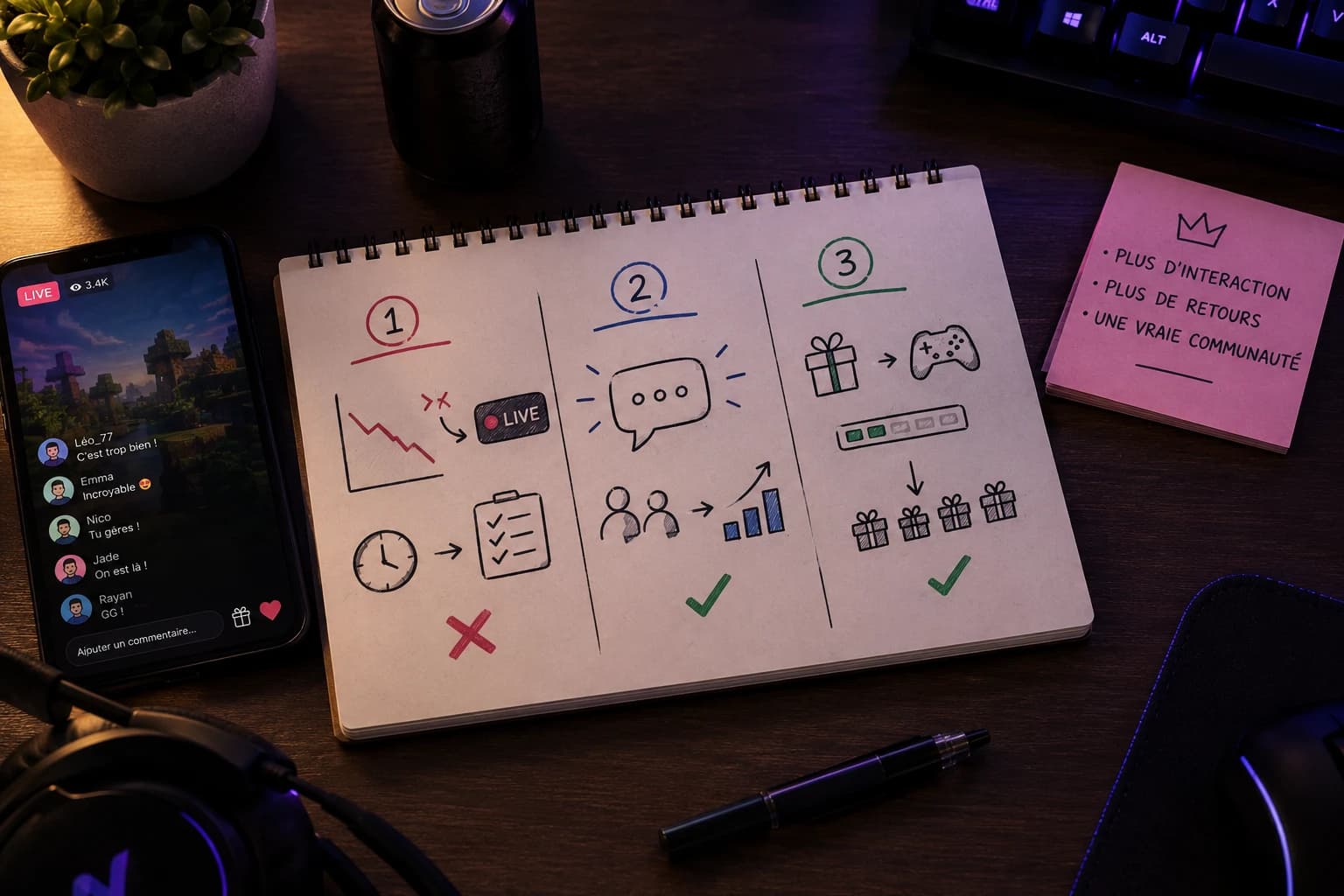
A lot of creators go looking for the miracle trick that will push their views up, when the real problem is often elsewhere: in habits that sabotage their stats without them noticing. Here are three common mistakes, and why they weigh more than you might think.
Ending the stream as soon as views drop
It is the most common reflex, and one of the most costly. A stream starts well, views climb, then at some point they plateau or dip a little. Many creators read that as a sign of failure and stop right there, thinking they are limiting the damage.
The opposite is what actually happens. TikTok looks at the total length of your streams and how consistently you hold them over time. A stream cut at the first dip sends a low-quality signal, which works against you on your next broadcasts. Dips in attendance are normal, even on accounts that are booming: the viewer count rises and falls several times during the same stream, often for no identifiable reason. What sets growing creators apart is that they hold on through the dip, often by reviving interest with a new challenge or an announcement, rather than closing the app at the first sign of a drop.
If you are just starting out and those dips discourage you, always keep a stock of ideas to revive a stream that is running out of steam: a goal to unlock, a question for the audience, or an in-game action that brings some life back to the screen. That is usually better than ending the stream and losing the benefit of all the time you have already spent live.
Leaving the chat unanswered for too long
A chat that scrolls by without the creator ever responding empties out fast. Viewers who comment expect some kind of reaction, even a small one: a word, a look at the camera, a shout-out. Without it they stop typing, and a silent chat makes the stream look abandoned to anyone who lands on it by chance.
The problem goes beyond the atmosphere of the stream. The interaction rate (comments, likes and gifts relative to the number of viewers) is one of the signals that shape how your future streams are distributed. An active chat feeds that rate, a dead chat drags it down, even if your view count looks fine on paper.
The fix is not to reply to every single message, which quickly becomes impossible once people show up. It is about creating regular checkpoints where you read the chat out loud, call out a username, or throw out an open question viewers can answer. Doing that every few minutes is enough to keep the chat alive for the whole stream.
Setting interaction thresholds too high
This mistake mostly affects creators who already use an interactivity tool like NexusTok, but it hits stats just as hard as the first two. The idea behind interactivity is simple: a viewer sends a gift or reaches a like milestone, and that triggers a visible in-game action. If that threshold is set too high (an action that only fires once every 500 likes, for example), most viewers will never see the effect of their interactions during the whole stream.
The result: they stop interacting because nothing concrete comes back, and your engagement rate takes a direct hit. It is counter-intuitive, but lower, more frequent thresholds generally produce more cumulative interactions than a single big milestone that is rarely reached, even if each individual trigger looks less spectacular.
The right setting depends on the size of your audience. On a small stream, a low threshold (one in ten likes, a specific gift) keeps the pace up without wearing out your most generous viewers. On a busier stream, you can raise the milestones slightly without losing responsiveness, as long as actions still show up several times a minute.
What to remember
- Do not end a stream at the first dip in attendance: waves of views are normal, and holding the length matters more than the live curve
- An unanswered chat empties fast and drags down your interaction rate, a signal TikTok watches for your future streams
- Revive the chat regularly rather than replying to every message individually
- On an interactive stream, thresholds that are too high discourage viewers from continuing to interact
- Lower, more frequent thresholds generally produce more cumulative engagement than one big milestone
Make your TikTok Live interactive
NexusTok turns gifts, likes and comments into real-time actions in Minecraft, GTA V and Roblox - plus TTS, sounds and overlays. Free to start.
Download NexusTok - freeWindows 10 & 11 · No credit card required