How to make interactive TikTok Lives: the beginner’s guide
Learn how to make your TikTok Live interactive: requirements, choosing your game, setting up NexusTok, OBS vs TikTok Live Studio, and going live for the first time.
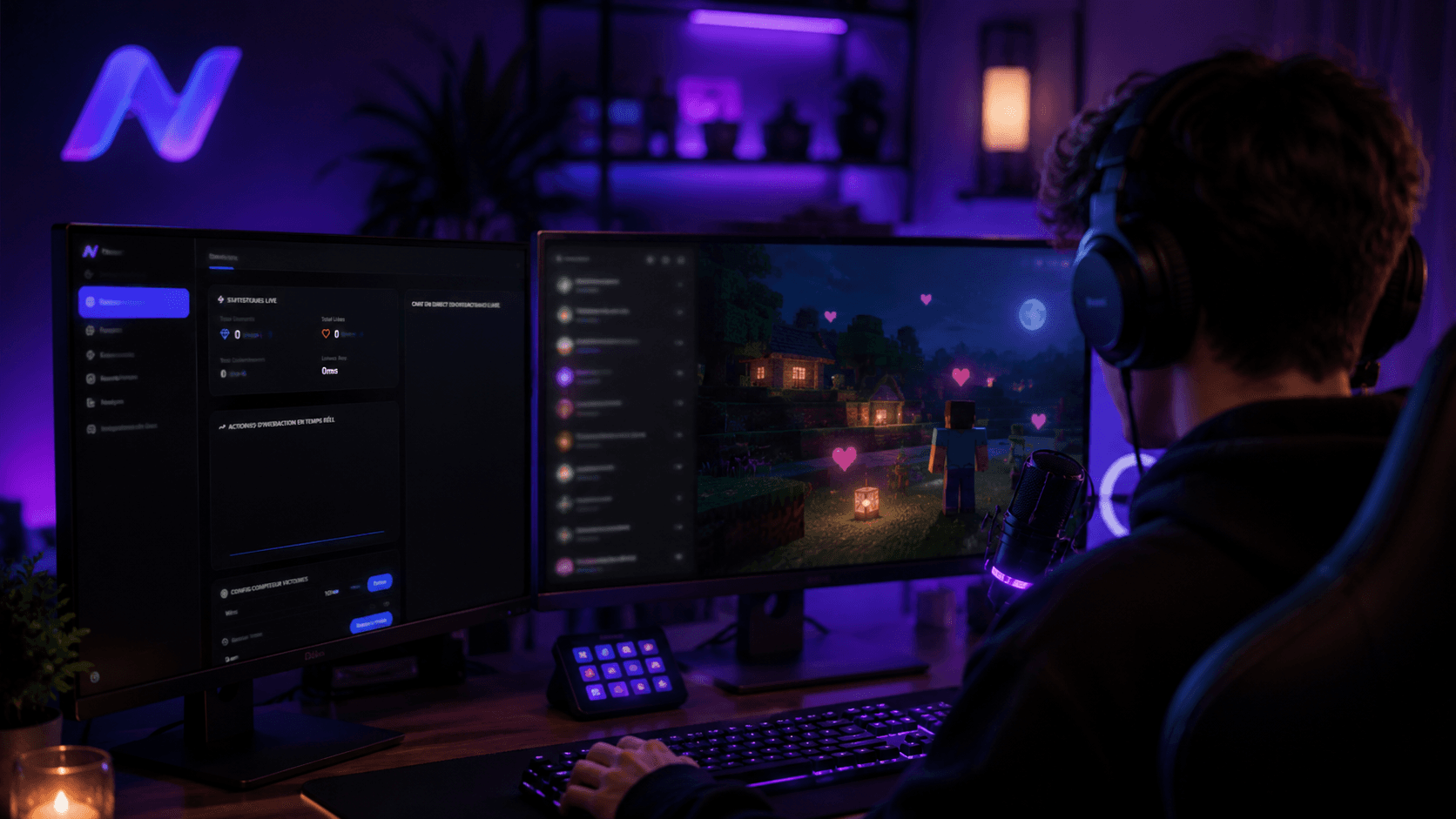
You have probably seen creators on your For You page running what are called interactive lives: every like, gift or follow on their stream triggers an action inside a game. Whether you are completely new to interactive lives or already streaming and looking for the essentials to do it properly, you are in the right place.
What is an interactive TikTok Live?
An interactive live is a stream format where your viewers’ actions trigger real-time events inside a video game. A like spawns a zombie in Minecraft, a gift spawns a vehicle in GTA V, a follow moves a character forward in a Roblox mini-game. Viewers no longer just watch, they act on your stream, and that is exactly what makes the format so addictive to follow.
For you as a streamer, the benefit is twofold. First, engagement goes up: a viewer who knows their action has a concrete effect stays longer and comes back more often. Second, your revenue follows: the more viewers interact, the more gifts they send, and the more your live earns through TikTok monetization.
The requirements
Before you start streaming on TikTok, there are a few non-negotiable requirements. The two main ones are your age and your follower count.
Be at least 18 years old
To go live and be monetized, TikTok requires you to be at least 18. The platform will sometimes ask for your ID to verify. This rule is strict: there is no way around it, and TikTok can suspend live access for an account that does not meet it.
Have at least 1,000 followers
Second, you need a minimum of 1,000 followers. There are many ways to get them, but we recommend earning them by posting videos that are genuinely about you and your content, rather than spamming easy edits or shitposts. Those first 1,000 followers are your first source of viewers: an audience that follows you for who you are always converts better than an audience that came for a passing trend.
Expect anywhere from several weeks to a few months to reach that threshold if you post consistent content regularly. There is no reliable shortcut: accounts that buy followers or flood their feed with off-topic videos usually end up with an audience that does not convert on live, which defeats the whole purpose of the interactive format.
Choosing your game and interactive setup
To bring interactivity to your live, you will need an app like NexusTok to bridge your stream and a game.
Games with ready-made presets
We recommend starting with a game known to work well in interactive mode: custom Minecraft mods, GTA V, or Roblox interactive games such as Judy Jump. These games work well because they give immediate, readable visual feedback: a viewer who sends a rose and instantly sees a zombie appear understands the effect of their action right away, which encourages them to do it again.
For these games, presets are already available in NexusTok. In two clicks, the actions are imported into the software and your overlays are downloaded, ready to be added to your streaming software. Concretely:
- On Minecraft: the Diamond, Sandbox, Survival and TNT presets
- On GTA V: the Hero Survival, Mount Chiliad and Ramp presets
- On Roblox: the Judy Jump and Judy Legend presets (games by the third-party studio Judy Game, sold separately)
Each one already contains the triggers (gifts, likes, follows) and the matching in-game actions, all you have to do is import them and start streaming.
Games without a preset: building your own integration
If you want to stream a game that does not have a preset yet, there is a good chance you can build the integration yourself, optionally with the help of our AI assistant. NexusTok works on three levels:
- Native plugins, for officially supported games
- Webhooks, for any game able to receive an HTTP request
- Keystroke simulation, which works in any game without exception
That last, universal method means even a game NexusTok has never heard of can, in theory, become interactive. And if you cannot get it working, you can reach us on Discord: if it is doable, we will build a preset for that game.
Setting up your broadcasting software
Once your game is chosen and NexusTok is configured, all that is left is setting up the software you will broadcast with. We recommend two free options, depending on your priorities.
TikTok Live Studio
TikTok Live Studio is TikTok’s official broadcasting software. You can set up your scenes there by importing your overlays and placing them on screen. Static images can be imported as-is, and NexusTok’s interactive overlays are imported as a web link: click the “copy link” button on the overlay in NexusTok, then paste it into TikTok Live Studio.
Its main weakness: even though it is TikTok’s official tool, it sometimes lacks stability. A large number of overlays can cause slowdowns or bugs during your live, often at the worst possible moment.
OBS, the recommended alternative
OBS is the alternative we recommend for its versatility and better stability. Overlay configuration is broadly the same, with the key difference that running many animated overlays does not hurt performance.
The extra step comes from the fact that to start a TikTok live you must go through TikTok or TikTok Live Studio. So you will export what OBS produces as a virtual camera into TikTok Live Studio, which then treats it as a single overlay, removing the risk of bugs.
Going live for the first time
In both cases, to start your live you will open TikTok Live Studio and click “start broadcast”. Before you click, a few checks are worth the time:
- Test each overlay once outside of a live to make sure it triggers correctly
- Check your sound and your microphone
- Make sure your connection is stable: Wi-Fi is rarely enough for a long live with many active overlays, an ethernet cable is preferable when possible
Once that is done, all that is left is hosting your live and being consistent, the numbers will follow. Consistency matters more than the technical perfection of your first stream. A streamer who goes live three times a week with a simple setup will progress faster than one who goes live once a month with a perfect setup.
Key takeaways
- 18+ and at least 1,000 followers to unlock live on TikTok
- Software like NexusTok bridges TikTok Live and your game, with no code
- Start with a game that already has a preset (Minecraft, GTA V, Judy Jump) to save time
- TikTok Live Studio for simplicity, OBS for stability with many overlays
- Test your overlays and your connection before every live
- Consistency beats a perfect first stream
Make your TikTok Live interactive
NexusTok turns gifts, likes and comments into real-time actions in Minecraft, GTA V and Roblox - plus TTS, sounds and overlays. Free to start.
Download NexusTok - freeWindows 10 & 11 · No credit card required