NexusTok vs Stream to Earn: which software for your interactive streams?
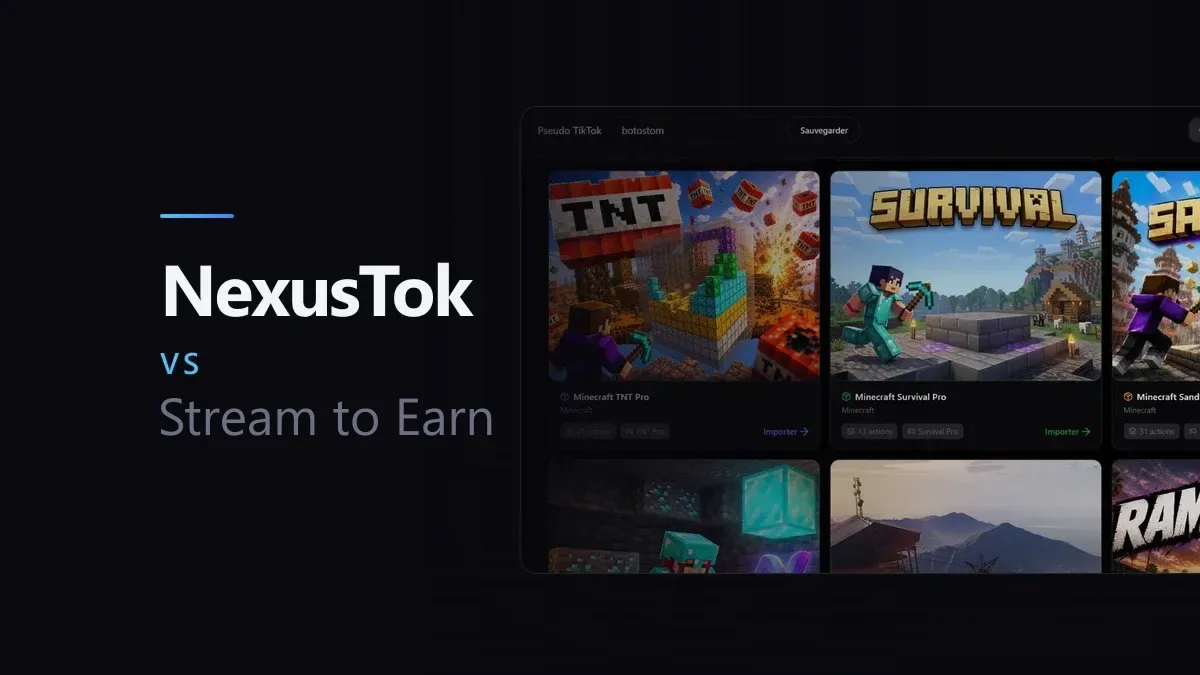
Stream to Earn is a name that comes up often as soon as you start looking for interactive streaming software, with an impressive game catalogue. Let us look at what actually separates the two, point by point.
The game catalogue
Stream to Earn covers 56 games, with dedicated mods for Minecraft, GTA V, Red Dead Redemption 2, The Witcher 3, Elden Ring, Roblox and many more. That is a noticeably wider catalogue than NexusTok, which for now focuses on Minecraft, GTA V and Roblox games like Judy Jump and Judy Legend.
The philosophy is not the same, though. Stream to Earn builds a dedicated mod or plugin for every game it adds. NexusTok relies on its AI assistant and on keystroke simulation, a method that works in any game as long as an action can be triggered by a key. That means a game absent from the official catalogue can often still be made interactive on NexusTok, without waiting for a dedicated mod to be built.
TikTok and a second platform: YouTube versus Kick
Neither piece of software stops at TikTok. Stream to Earn also connects to Kick, where it handles gifts, subscriptions and follows. NexusTok offers a YouTube Live integration, currently in beta, which links donations and Super Chats to the same kinds of actions as on TikTok.
The choice mostly comes down to where your audience is. If some of your viewers also follow you on Kick, Stream to Earn has a real argument. If it is YouTube instead, NexusTok is starting to answer that need, even though the feature is still in beta and keeps evolving.
How easy it is to get started
This is where the gap is widest. On Stream to Earn you have to choose between three different connection methods, Server, Browser or Socket, depending on service availability, and for Minecraft you install Java 21 then configure a managed server inside the app. The software also has a paid interruption system, where a gift can pause the running action, which adds yet another layer of settings to understand.
On NexusTok, a preset imports in two clicks, with no technical choice to make beforehand. For a beginner who wants to go live quickly, that difference shows from the very first setup.
Latency
Stream to Earn advertises around 80 milliseconds of latency on its default connection. NexusTok, as a local desktop application, also stays very responsive in real use. Both are fast enough that latency alone should not decide your choice.
Pricing
Stream to Earn has three tiers: Free, with 3 presets and 5 to 12 events per preset depending on the game; PRO at $19.99 a month, with 15 presets and up to 50 events per preset; and Expert at $34.99 a month, with 40 presets and up to 100 events per preset. So even on the paid plans there is a ceiling on how many events and presets you can create.
NexusTok has a free Starter plan and a Pro plan at a flat €15.99 a month, with unlimited profiles, actions and overlays. In practice you pay less for a plan with no ceiling, where the closest equivalent at Stream to Earn, their Expert plan, costs more than double.
What to remember
- NexusTok is cheaper and has no event ceiling, even compared to the Expert plan at Stream to Earn
- Stream to Earn covers Kick alongside TikTok, NexusTok covers YouTube in beta alongside TikTok, pick based on where your audience is
- Stream to Earn has a 56-game catalogue, far larger than NexusTok for now
- NexusTok relies on its AI assistant and keystroke simulation, which let you interact with games outside any catalogue
- Getting started is clearly simpler on NexusTok: two clicks versus several technical choices and a Java install for Minecraft on Stream to Earn
Make your TikTok Live interactive
NexusTok turns gifts, likes and comments into real-time actions in Minecraft, GTA V and Roblox - plus TTS, sounds and overlays. Free to start.
Download NexusTok - freeWindows 10 & 11 · No credit card required