You have decided to try interactive Live, but one question keeps coming back: which game? The choice matters. A game that does not suit the format can ruin the experience, even with software like NexusTok perfectly configured. Here is how to choose well.
The criteria that actually matter
Before looking at any list of games, it helps to understand what makes a game suited to interactive Live.
Immediate, readable visual feedback
A viewer who sends a gift must see the effect straight away, and that effect has to be understandable in one second, even for someone who just landed on your stream. A zombie spawning, a vehicle appearing, an explosion: those are actions anyone gets instantly, without knowing the game in depth.
Conversely, a game where a gift's effect is subtle or needs explaining will never work as well.
A pace that fits a live stream
The game must not demand total, continuous concentration. If you have to ignore the chat through long stretches to avoid dying or losing, the interactivity falls flat. Games that work well leave room for one-off actions without breaking the overall rhythm: you keep playing, keep talking to your chat, and viewer-triggered actions layer on top instead of derailing everything.
An accessible setup
Finally, the simpler the technical setup, the more time you spend hosting your stream rather than debugging overlays. That is why we always recommend, especially when starting out, going with a game that already has a ready-made preset.
Games with ready-made presets on NexusTok
These games already have tested configurations you can import in two clicks.
Minecraft
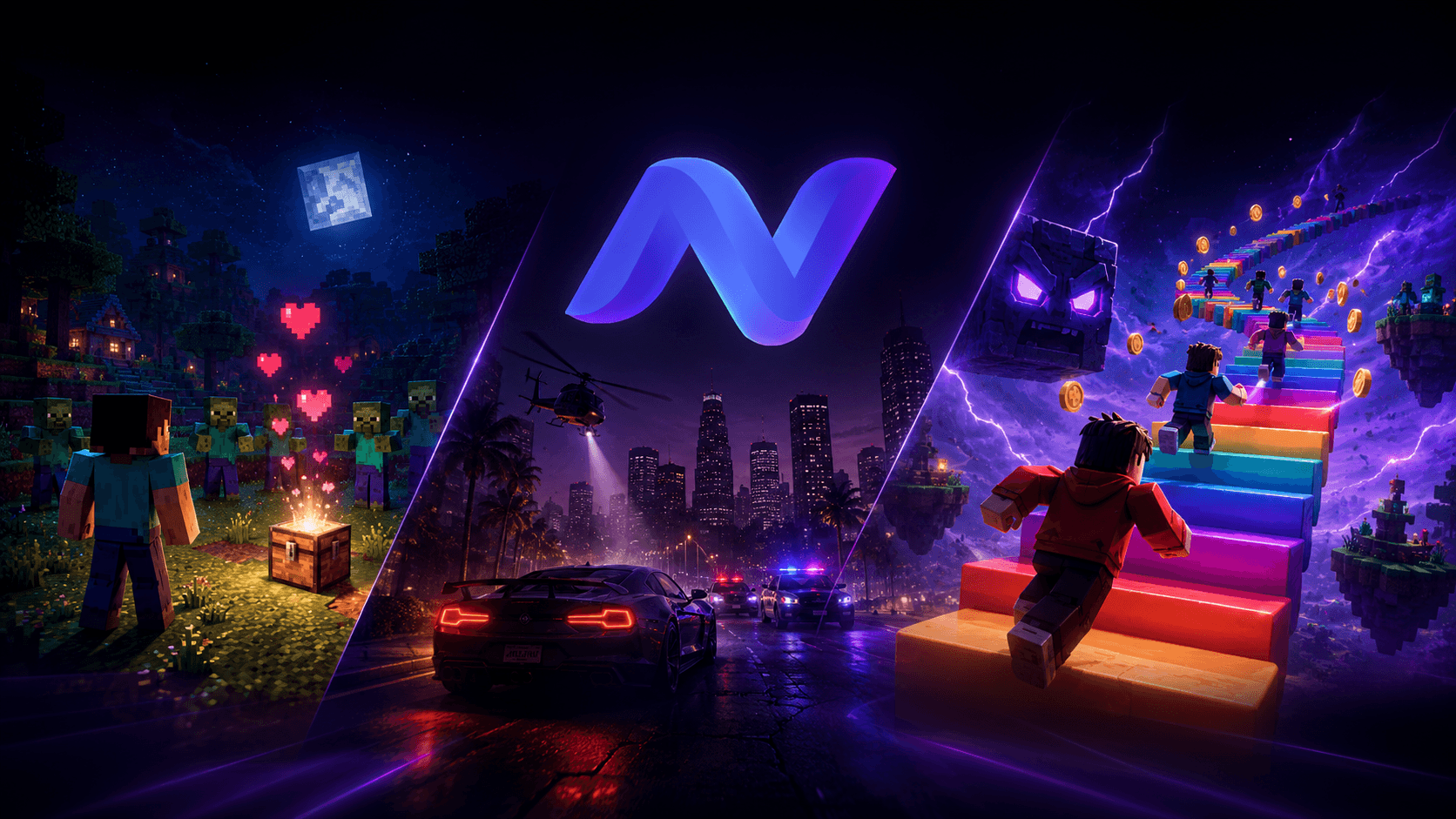
Minecraft remains a safe bet for interactive streams: summon zombies and other entities, drop items, trigger sounds, or change the weather based on the gifts you receive. NexusTok ships several ready-made presets: Diamond, Sandbox, Survival and TNT. Each one sets a different mood, from a peaceful building stream to a chaotic one where every gift puts the streamer in danger.
GTA V
GTA V is the ideal pick if you want spectacle: spawn vehicles, hand out weapons, raise the police wanted level, or trigger explosions. The Hero Survival, Mount Chiliad and Ramp presets are ready to use. It suits "total chaos" formats particularly well, where the streamer's goal is to survive whatever viewers throw at them.
Roblox: Judy Jump and Judy Legend
On Roblox, mini-games like Judy Jump are among the best performing formats in interactive Live, often ahead of Minecraft or GTA V. The concept is easy to grasp for any viewer, even one arriving mid-stream: the character climbs a staircase one step at a time, and each gift or interaction makes them gain or lose steps, or triggers an outright win or loss. The animations often borrow well-known anime themes (One Piece, Naruto and so on), which speaks immediately to a large share of the TikTok audience.
Judy Legend is the successor to that game: same principle, but with better graphics and more polished animations. NexusTok has a preset ready for both.
Of course, you are not limited to this list. Technically almost any game can become interactive, even without a native integration. You can set it up yourself with help from the AI assistant built into NexusTok, or reach out on Discord: if the integration is feasible, we can build you a dedicated preset.
How to choose based on your profile
There is no single best game, it depends on what you are after. But one point deserves to be stated plainly: Judy Game titles (Judy Jump, Judy Legend) currently dominate the interactive Live market and are by far the most popular formats, all categories combined. If you are still hesitating, that is the safe bet right now.
To get started, a game with an existing preset (Minecraft, GTA V or Judy Jump) is the safest choice: you focus on what matters, your presence and your consistency, rather than on technical setup.
Is your gaming audience already loyal to a specific game with no native preset? Do not switch games for that: building an action profile is very simple, and the AI assistant built into NexusTok makes the setup even faster.
But picking the right game is not enough on its own to grow your stream. A well-suited game maximises the impact of every interaction, yet if nobody is watching it changes nothing: consistency, streaming time and pre-stream communication matter just as much.
Key takeaways
- Favour a game whose visual feedback is immediate and readable in one second
- The game must leave room for one-off actions without breaking the stream's rhythm
- Minecraft, GTA V and Roblox games like Judy Jump or Judy Legend already have presets on NexusTok
- Without a native preset, webhooks and keystroke simulation can integrate almost any game
- Judy Game titles currently dominate interactive Live: the safe bet if you are still unsure
Make your TikTok Live interactive
NexusTok turns gifts, likes and comments into real-time actions in Minecraft, GTA V and Roblox - plus TTS, sounds and overlays. Free to start.
Download NexusTok - freeWindows 10 & 11 · No credit card required